Feature news

Tampilkan postingan dengan label Emulator. Tampilkan semua postingan

PPSSPP Gold 1.6.3 Apk


Play your PSP games in HD!
PPSSPP can run your PSP games on your PC in full HD resolution, and play them on Android too. It can even upscale textures that would otherwise be too blurry as they were made for the small screen of the original PSP.

Even on modern Android phones and tablets, you can often run at double the original resolution.

Enhance your experience!
● Play in HD resolutions and more.
● Play on a tablet for big-screen mobile gaming.
● Customize on-screen touch controls or use an external controller or keyboard.
● Save and restore game state anywhere, anytime.
● Crank up the anisotropic filtering and texture scaling.
● Continue where you left off by transferring saves from your real PSP.

June 5: 1.6.3 fixes even more:
● OpenGL backend now properly multithreaded, giving a good speed boost.
● Various Vulkan performance improvements (like #10911) and memory allocation fixes.
● GPU command interpreter performance improvements (#10658).
● Various fixes for app switching and widgets (#10855) on Android.
● Bugfixes and some performance improvements in the ARM64 JIT compiler and IR interpreter.
● Shader cache enabled for Vulkan.
● Multiple iOS fixes, including JIT (#10465) and file browser (#10921).
● Improved compatibility on Mac (#10113).
● Texture replacement ID bugfix (note: some textures from 1.5.4 may become incompatible).
● Adhoc multiplayer fixes (#8975).
● Vulkan support on Linux/SDL (#10413).
● Retroarch support.

SCREENSHOT:
  

DOWNLOAD : LINK (29 MB)
Learn more »

My Boy! 1.8.0 Paid Apk


Is a Gameboy Advance emulator for Android Devices that lets you play almost any Gameboy game on your phone or tablet, just like an arcade emulator app for android. It is developed under the banner of Fast Emulator

This app is a fully loaded and fast emulator which can run the GameBoy Advance games on every Android device. It can emulate every aspect of real hardware efficiently. As with application of this kind, My Boy! Free – GBA Emulation doesn’t include any games, only the possibility of playing them if you can find and save the ROM to your device, which is relatively easy to do. You’ll have to go to specific websites to download them, but there are many sites online where you can find Gameboy Advance ROMs.

The emulator is perfectly compatible with most of the games, including Castlevania (some of the best titles in the saga are Gameboy Advance Games), Super Mario games, and even many of the Pokemon series, all of them work perfectly on this emulator. On the settings menu, you can adjust different aspects of the app, like sound, graphics, and even the control system.

It gives the fastest and full paced emulation which helps you to save the battery. It has proved to have a high level of BIOS emulation and you are freed from the unnecessary BOIS file. It supports the video filters by GLSL shaders. It has fast – forward options which help you to skip the long stories which you are unwilling to see. You can also save any game at a particular point by screenshot. Most importantly it has a simple, neat and clean interface which performs really fast. You can create shortcuts for your favorite games in order to get direct access.

Features of My Boy GBA Emulator
Below are exciting features of Game which you’ll experience after My Boy - GBA Emulator Free Download.

• Fastest emulation, therefore saves your battery to the MAX.
• Very high game compatibility. Run nearly all games without a problem.
• Link cable emulation either on the same device, or across devices over Bluetooth or Wi-Fi.
• Gyroscope/tilt/solar sensor and rumble emulation.
• Enter GameShark/ActionReplay/CodeBreaker cheat codes and enable/disable them on the fly while the game is running.
• High-level BIOS emulation. No BIOS file needed.
• IPS/UPS ROM patching
• OpenGL rendering backend, as well as normal rendering on devices without a GPU.
• Cool video filters through the support of GLSL shaders.
• Fast-forward to skip long stories, as well as slow down games to get past a level you cannot in normal speed.
• On-screen keypad (multi-touch requires Android 2.0 or later), as well as shortcut buttons such as load/save.
• A very powerful screen layout editor, with which you can define the position and size for each of the on-screen controls, as well as for the game video.
• External controllers support, such as the MOGA controllers.
• Clean & simple yet well-designed user interface. Seamlessly integrated with the latest Android.
• Create and switch to different key-mapping profiles.
• Create shortcuts to easily launch your favorite games from your desktop.

Screenshot:
  

Download : Link (2 MB)

Learn more »

GBA.emu 1.5.21 Paid Apk


Advanced open-source Gameboy Advance emulator based on VBA-M r1097, designed and tested on the Xoom, Galaxy S2, Nexus 4, Nexus 7, NVidia Shield, Xperia Tablet Z, and Xperia Play, but works on virtually any device with similar or better specs (at least a 1GHz CPU for best results).

Features include:
* High-level BIOS emulation, no BIOS file needed
* Backup memory and save state support, state files are interchangeable with the PC version of VBA-M.
* Supports games in .gba format, optionally in ZIP, RAR, or 7Z files
* Cheat code support using VBA-M-compatible files (.clt extension), don't use any "Master" codes since they aren't needed
* Configurable on-screen multi-touch controls
* HID Bluetooth/USB gamepad & keyboard support compatible with any input device recognized by the OS (MOGA Pro, etc.), Wii controllers also supported if running Android 4.1 or lower, all devices support custom key profiles
* Works in any orientation

The game Motocross Challenge is included courtesy of developer David Doucet. Additional ROMs must be supplied by the user. A number of public domain games/demos are available at www.pdroms.de. Transfer games anywhere to your internal storage/SD card and browse to them from within the app (default SD card directory is /mnt/sdcard).

Visit the homepage at explusalpha.com for more info & apps, ports for other platforms, and GPL source code. Please report any crashes or device-specific problems via email (include your device name and OS version) so future updates continue to run on as many devices as possible.

Screenshot:
  

Download : Link (1 MB)

Learn more »

ClassicBoy (Emulator) Full Version 2.0.3 Apk


An emulator let you play classic games by gestures and sensor that you've never seen before!

ClassicBoy is a powerful All-in-One emulator. Currently it runs:
(1) PlayStation 1 ( PS1 ) 
(2) Nintendo 64 ( N64 )
(3) GameBoy Advance ( GBA ) 
(4) GameBoy Classic ( GB ) 
(5) GameBoy Color ( GBC ) 
(6) NES/Famicom 
(7) Sega Genesis
(8) SNK NeoGeo

THIS APPLICATION DOES NOT COME WITH ROMS.
ClassicBoy leads gestures mapping into game controller and means of calibration, it’s very useful for fighting games. When switches to gestures controller mode, left side on screen for movements and right side for actions. There are 8 swipe directions can be detected on each side of screen and each one can be mapped to one key of game. Besides gestures controller, accelerometer sensor (depends on hardware) is supported to control movements for a character and calibration console is also provided for fine adjustment of tilt parameters. By these two input means, user can play game on a clean screen and even by single hand now!
The gestures/sensor controller and state loaded functions are only supported in FULL version, but state saved and traditional input means such as on-screen 2D buttons and external joystick mapping are supported as base functions in the LITE version. User can switch all controllers above at runtime. For traditional input, a powerful layout editor can be used to define the position and size of each 2D button and maximum 4 players can be defined for external joysticks or gamepad mapping.
Please try to use the application and read the HELP and ABOUT page to know more about the emulator cores. There are many settings for this application, but games should be run well without any change. 

LITE version features:
- Supports games of following consoles or handhelds: PlayStation 1 ( PS1 ), Nintendo 64 ( N64 ), GameBoy Advance ( GBA ), GameBoy Classic ( GB ), GameBoy Color ( GBC ), NES/Famicom, Sega Genesis, SNK NeoGeo.
- Touchscreen input from graphic buttons.
- Graphic buttons editor for position and size definition. Graphic buttons appearance custom settings such as style, scale, animation, opacity …
- External Joysticks/keyboard input by keys mapping, maximum 4 players are supported.
- Controller profiles (trial) such as PS3, XBOX360 and MOGA are supported.
- Custom setting for game video size and filter.
- Audio reverb.
- Gestures/Sensor settings
- Game state auto-saved and slot saved

User can activate following functions by purchasing the FULL version:
- Game state auto-load and slot load.
- Gestures controller.
- Sensor controller.

LEGAL: This product is not affiliated with, nor authorized, endorsed or licensed in any way by Nintendo, Sony, Sega or SNK Corporation, their affiliates or subsidiaries.

Screenshot:
 

Download : Link (19 MB)

Learn more »

AseDS (Emulator for NDS) 4.2.0 Apk

  
AseDS is a free Nintendo(DS) game emulator that lets you play your favorite (DS) games on any Android device.
AseDS is the best (DS) game emulator on Nintendo(DS) system.

FEATURES:
- Emulates dual touchscreen interface
- Save and load game at any time
- GameShark/ActionReplay/CodeBreaker cheats
- Supports wireless controllers and device microphone
- Custom button layouts and key bindings
- Auto-rotate landscape or portrait orientation 
- Stretch to fit screen or original aspect ratio
- Automatic frame skipping and flicker reduction

GETTING STARTED:
- Transfer ROMs to your device storage
- ROM file names should end in either .rom, .ds, or .zip
- ROMs must be obtained in a legal manner. 

HOW TO PLAY:
- Open AseDS Emulator
- Press the menu button on your device
- Choose "File Browser" in the popup menu
- Browse to folder containing your ROM files
- Select game to begin playing

What's new
V4.2.0:
- New Game Engine
- New UI Design
- Support Android 6.0 7.0
- Bug fix
- Major Improvements
- Faster game speed
- More stable
- New game features
- Fix bugs

Screenshot:


Link : Click Me
Size : 12 MB

Learn more »

EmuBox 2.1 Apk - A Fast Retro Emulator

It's time to unload your old, laggy, slow emulators. 
EmuBox is a completely new all-in-one Android emulator that runs all your old game ROMs.

Features:
- NDS emulator
- PSX (PS1) emulator
- SNES emulator
- GBA emulator
- GBC emulator
- NES emulator
- The first multi-emulator with Material Design.
- Save / Load game states: EmuBox supports up to 20 save slots for each rom.
- Take game screenshot anytime you want
- Fast Forward supported
- Play with external controller: Plug your gamepad in, or play with bluetooth gamepad.
- Tweak emulator settings for optimized performance

Screenshot:
 

Link : Download
Size : 44 MB

Learn more »

DraStic DS Emulator v2.5.0.4a b92 Apk


DraStic is a fast Nintendo DS emulator for Android. In addition to being able to play Nintendo DS games full speed on many Android devices.

Key Features :

● Customize the placement and size of the DS screens, for portrait and landscape modes.
● Fully supports add-on controllers, and physical controls in devices like nVidia Shield and Xperia Play.
● Save and resume your progress anywhere with save states.
● Tweak your gaming experience with a database of thousands of cheat codes.
● Synchronize your save games with your online Google Drive space.
● Increase emulation speed with fast-forward.

Screenshot :

Downoad : Link | Link (13 MB)

Note : If your DraStic encounter error license verification. Just use Lucky Patcher to remove DraStic license verification and then you can use DraStic again :D
Learn more »

PPSSPP Gold v1.5.4 Apk


Play your PSP games in HD!
PPSSPP can run your PSP games on your PC in full HD resolution, and play them on Android too. It can even upscale textures that would otherwise be too blurry as they were made for the small screen of the original PSP.

Even on modern Android phones and tablets, you can often run at double the original resolution.

Enhance your experience!
● Play in HD resolutions and more.
● Play on a tablet for big-screen mobile gaming.
● Customize on-screen touch controls or use an external controller or keyboard.
● Save and restore game state anywhere, anytime.
● Crank up the anisotropic filtering and texture scaling.
● Continue where you left off by transferring saves from your real PSP.

December 5, 2017: PPSSPP 1.5.4 - more crash fixes, mostly vulkan
● Another quick update to take care of some common crashes.

SCREENSHOT:

DOWNLOAD : LINK (28 MB)
Learn more »

PPSSPP Gold v1.4.2 Apk


Play your PSP games in HD!
PPSSPP can run your PSP games on your PC in full HD resolution, and play them on Android too. It can even upscale textures that would otherwise be too blurry as they were made for the small screen of the original PSP.

Even on modern Android phones and tablets, you can often run at double the original resolution.


Enhance your experience!

● Play in HD resolutions and more.
● Play on a tablet for big-screen mobile gaming.
● Customize on-screen touch controls or use an external controller or keyboard.
● Save and restore game state anywhere, anytime.
● Crank up the anisotropic filtering and texture scaling.
● Continue where you left off by transferring saves from your real PSP.

May 27, 2017: PPSSPP 1.4.2 - more fixes
● No major news, but there's been fixes:
● Fix bug causing several games to crash on ARM64, including Metal Gear Solid: Peace Walker.
● Software rendering crashfix.
● Fixes for homebrew: Timing, MEMSIZE.

SCREENSHOT:


DOWNLOAD : Link | Mirror | Mirror | Mirror (25 MB)
Learn more »

PCSX 2 1.4.0 + BIOS


PCSX2, like its predecessor project PCSX (a PlayStation emulator), is based on a PSEmu Pro spec plug-in architecture, separating several functions from the core emulator. These are the graphics, audio, input controls, CD/DVD drive, and USB and FireWire (i.LINK) ports. Different plug-ins may produce different results in both compatibility and performance. Additionally, PCSX2 requires a copy of the PS2 BIOS, which is not available for download from the developers, due to copyright-related legal issues. At present, PCSX2 is not compatible with PlayStation games. PSX games can be played by using GSdx with a PlayStation emulator such as PCSX or ePSXe.

The main bottleneck in PS2 emulation is emulating the multi-processor PS2 on the PC x86 architecture. Although each processor can be emulated well on its own, accurately synchronizing them is difficult, but not impossible.
System requirements
Minimum
Recommended
Microsoft Windows
Operating
System
Windows XP x86 or higher
Windows 7 x64 or Windows 8.1 x64
CPU
SSE2 support, Pentium 4 and up, Athlon64 and up.
Modern quad-core CPU. Intel i5-2400 or AMD FX-8350 or higher.
Memory
2 GB RAM or more.
Graphic Hardware
Pixel Shader 2.0
Modern DirectX 11 GPU.

Screenshot


Download : Link | Mirror | Mirror (29 MB)

Learn more »

Mediafire Problem & How To Fix It

Image result for Mediafire

Apa kalian pernah mengalamin download error di mediafire dan cara memperbaikinya adalah tinggal menunggu beberapa detik di tempat yang error tersebut dan setelah itu masalah pun selesai.


Learn more »

How To Download From Copiapop


Just See The Image Below....


Learn more »

Dolphin Emulator 4.0-9144

Dolphin is an emulator for two recent Nintendo video game consoles: the GameCube and the Wii. It allows PC gamers to enjoy games for these two consoles in full HD (1080p) with several enhancements: compatibility with all PC controllers, turbo speed, networked multiplayer, and even more!

Screenshot


Download : Link (5 MB)

Learn more »

ePSXe 2.0 Apk + Bios + Plugins


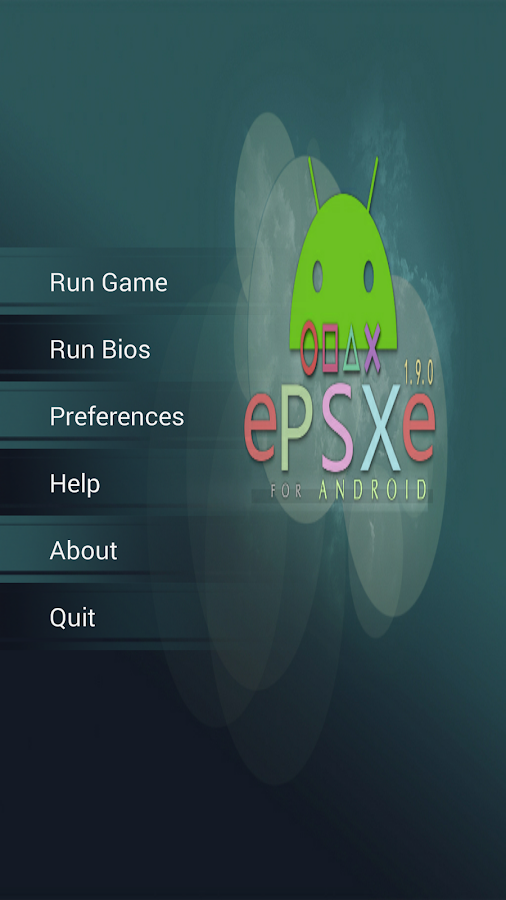
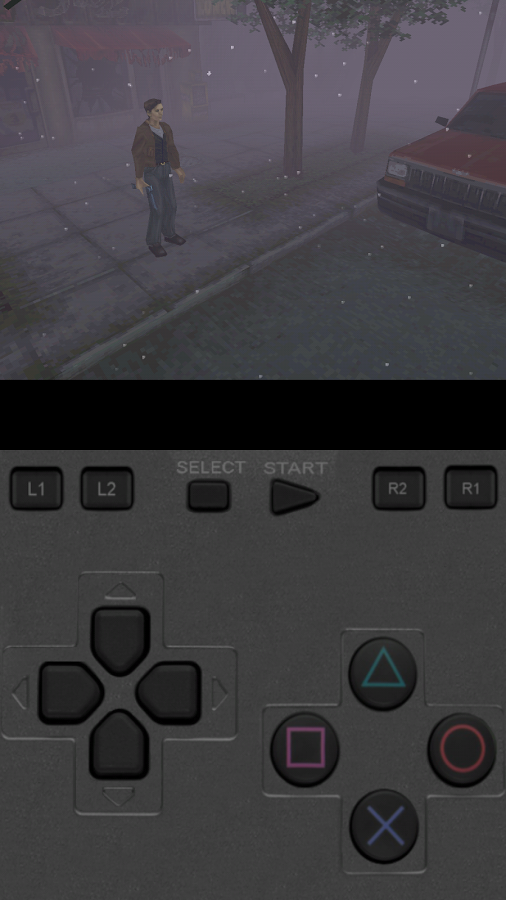
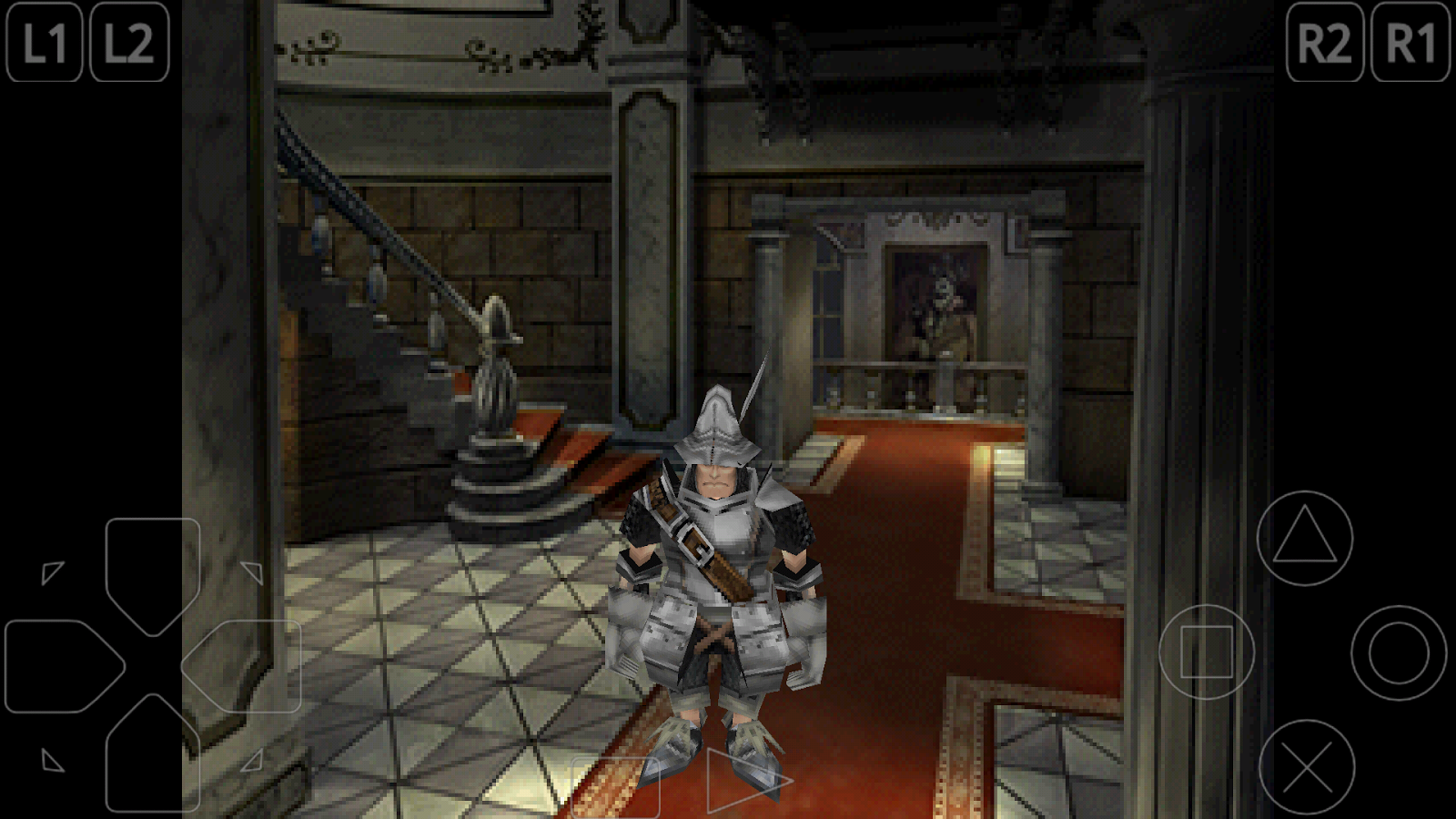
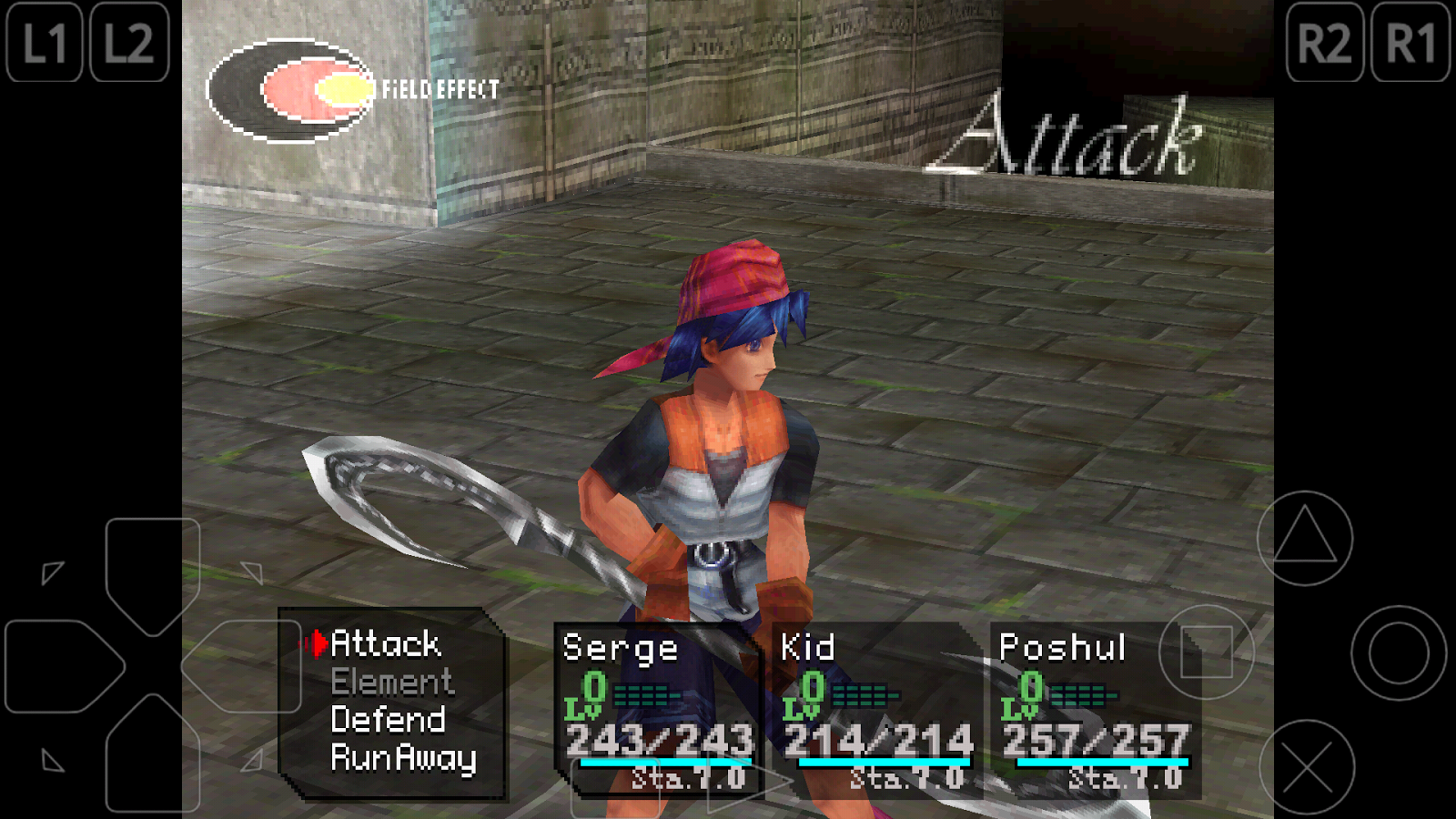
ePSXe for Android is a Playstation emulator (PSX and PSOne). It is a port of the famous ePSXe for PC. ePSXe provides very high compatibility (>99%), good speed, and accurate sound. It is designed for smartphones and tablets, (for 1-4 players) including a fun 2 players option with split screen mode. It includes virtual touchscreen pad support, hardware buttons mapping (Xperia Play, phones with keyboard or gamepad, external gamepads bluetooth or USB such as WiiMote, Sixaxis, Xbox 360, Moga, Ipega) and analog sticks. ePSXe supports OpenGL HD enhanced graphics thanks to the Peopsxgl Plugin, cheat codes as well as savestates and memcards compatibility with the PC version. ePSXe includes native support for ARM and Intel Atom X86. More info: http://epsxe.com/android/

** IMPORTANT: ePSXe DOESN'T INCLUDE GAMES. GAMES MUST BE PROVIDED BY THE USER **

Screenshot
   ePSXe for Android- screenshot      ePSXe for Android- screenshot      ePSXe for Android- screenshot
   ePSXe for Android- screenshot
   ePSXe for Android- screenshot

Download : Link | Mirror
Password : pcdroids3

Learn more »

ePSXe 2.0 + Bios + Plugins

Epsxe Apk


ePSXe adalah emulator PlayStation fantastis sehingga Anda dapat bermain dan menikmati permainan PlayStaion dari PC Anda.

Aplikasi ini sangat mudah digunakan dan dikonfigurasi. Anda akan dapat bermain game PSX dalam hitungan detik.

Awalnya Anda harus mengonfigurasi program dengan cara mengunduh sebuah berkas BIOS, untuk itu carilah scph1001.bin atau scph7502.bin dengan menggunakan mesin pencari.

Setelah Anda mengunduh berkas, Anda hanya perlu mengonfigurasi pengontrol dan memilih tombol yang ingin Anda gunakan. Lalu cukup masukkan CD/ISO dan Anda bisa mulai menikmati permainan PSX/PS1 dari PC Anda.

Screenshot


Download : Link | Mirror
Password : pcdroids3

Learn more »

FPse for android 0.11 + Activator APK


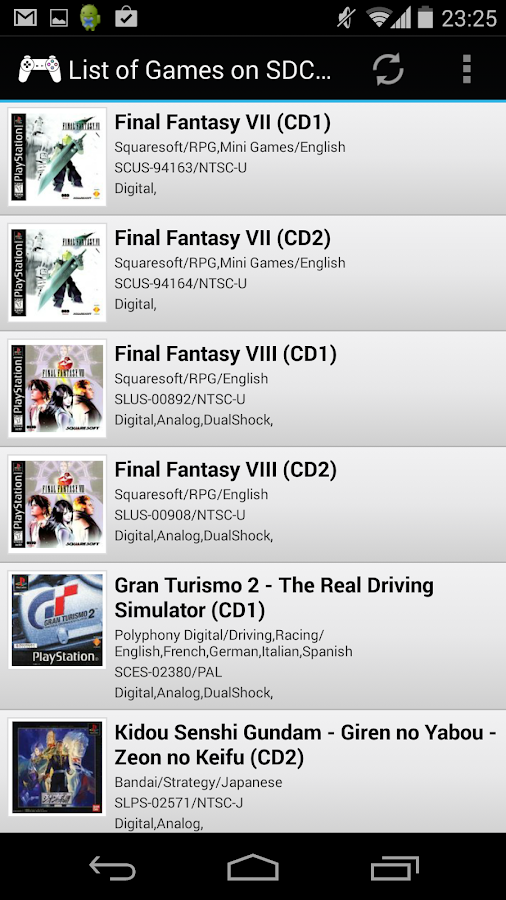
FPse for Android is the Best, the fastest and most compatible PSone emulator for handheld devices (also called as PSX , PS1 or Playstation 1). 

FPse is able to display all PSone games in high resolution by using OpenGL which gives outstanding graphics!

Create an ISO image from your favorite Playstation games to enjoy them on your Android phone with this fabulous emulator.

Screenshot

Trailer


Download : Link | Mirror (2,6 MB)
Password : pcdroids3

Learn more »

PPSSPP Gold 1.2.1 Apk


Play your PSP games in HD!
PPSSPP can run your PSP games on your PC in full HD resolution, and play them on Android too. It can even upscale textures that would otherwise be too blurry as they were made for the small screen of the original PSP.
Even on modern Android phones and tablets, you can often run at double the original resolution.

Enhance your experience!
Play in HD resolutions and more
Play on a tablet for big-screen mobile gaming
Customize on-screen touch controls or use an external controller or keyboard
Save and restore game state anywhere, anytime
Crank up the anisotropic filtering and texture scaling
Continue where you left off by transferring saves from your real PSP

Screenshot


Download : Link
Password : pcdroids3
Learn more »